Autodesk and Engineers Without Borders "Team Up"
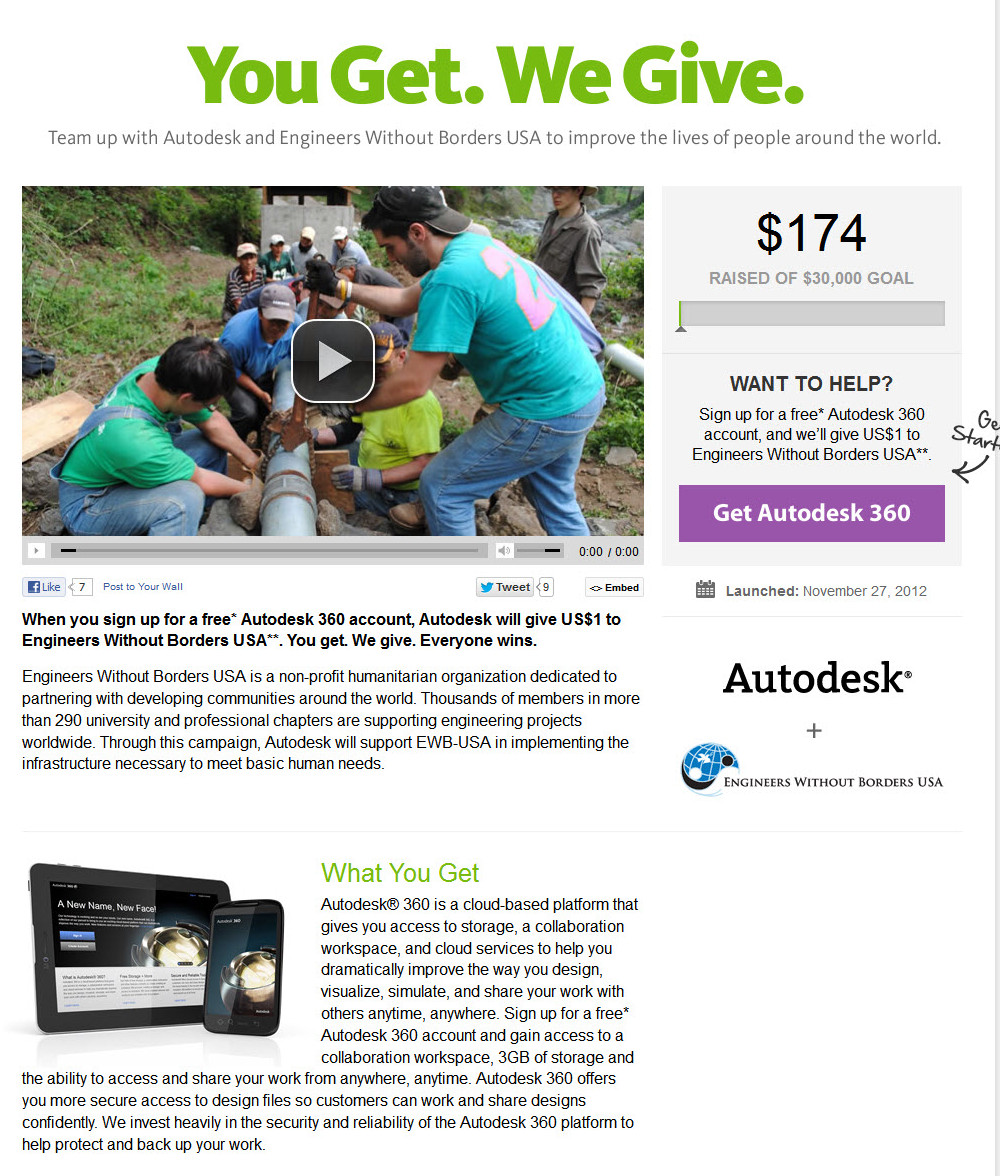
Autodesk teamed up with Engineers Without Borders on a marketing campaign which aimed at increasing sales of Autodesk 360 while simultaneously raising funds to help people worldwide meet their basic human needs. For a limited time, new customers were given the opportunity to sign up for a free Autodesk 360 Cloud Services account. For each new account, Autodesk donated $1 USD to Engineers Without Borders. The campaign leveraged direct leads, an email campaign, a LinkedIn campaign, as well as a Facebook campaign, social media including a hashtag campaign, and metrics tracking from all leads. Required collateral included a video, custom logos, goal-specific copy, tracking widgets, a real-time goal tracker, and a comprising landing page. The landing page was linked directly to both Autodesk's and EWB's homepages for the duration of the campaign, which raised more than $33,000 for EWB.
It was thoroughly rewarding to produce and project-manage this entire campaign, as well as to edit the video! Here are examples of the landing page and the logo:
And here is the video:
Elekta Lobby Installation
I love long yarns about production and post, and this installation project for Elekta is exactly that.
Long story short, Elekta constructed a new headquarters in Atlanta. Design plans specified a lobby which would comprise ten separate physical interactive installations which would each…
Oh, never mind, it’s much easier just to show you. Here are the lobby installations after construction:
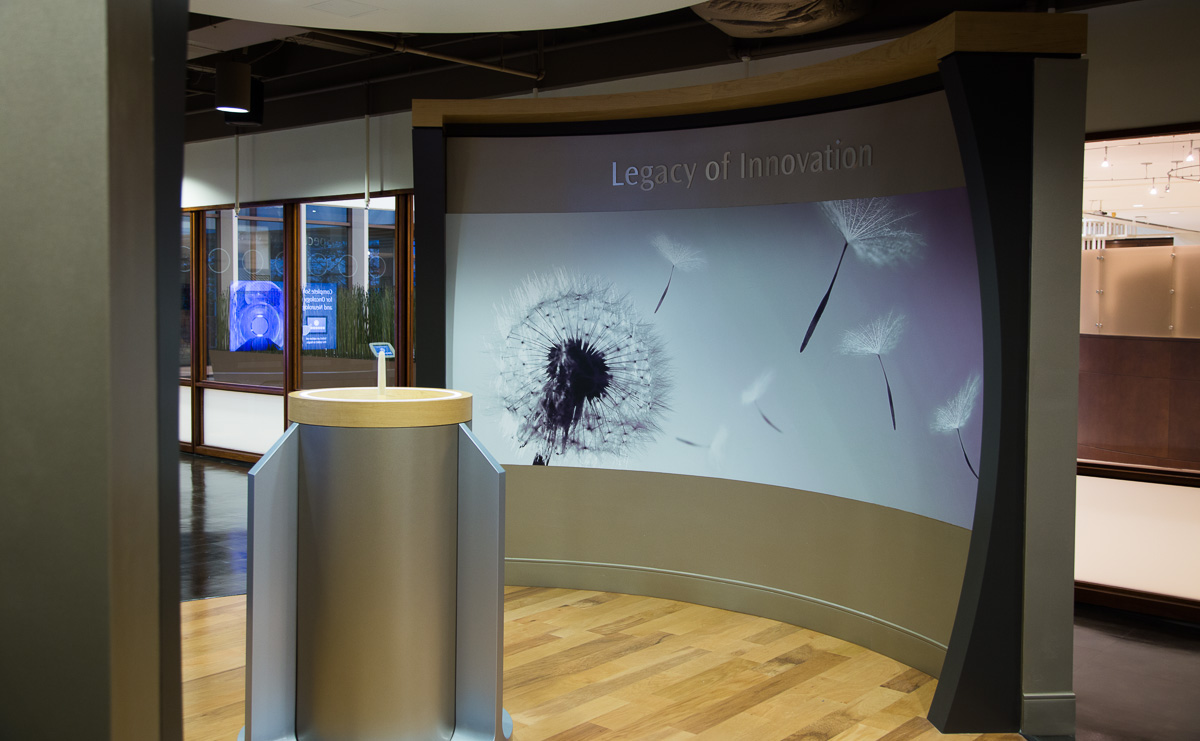
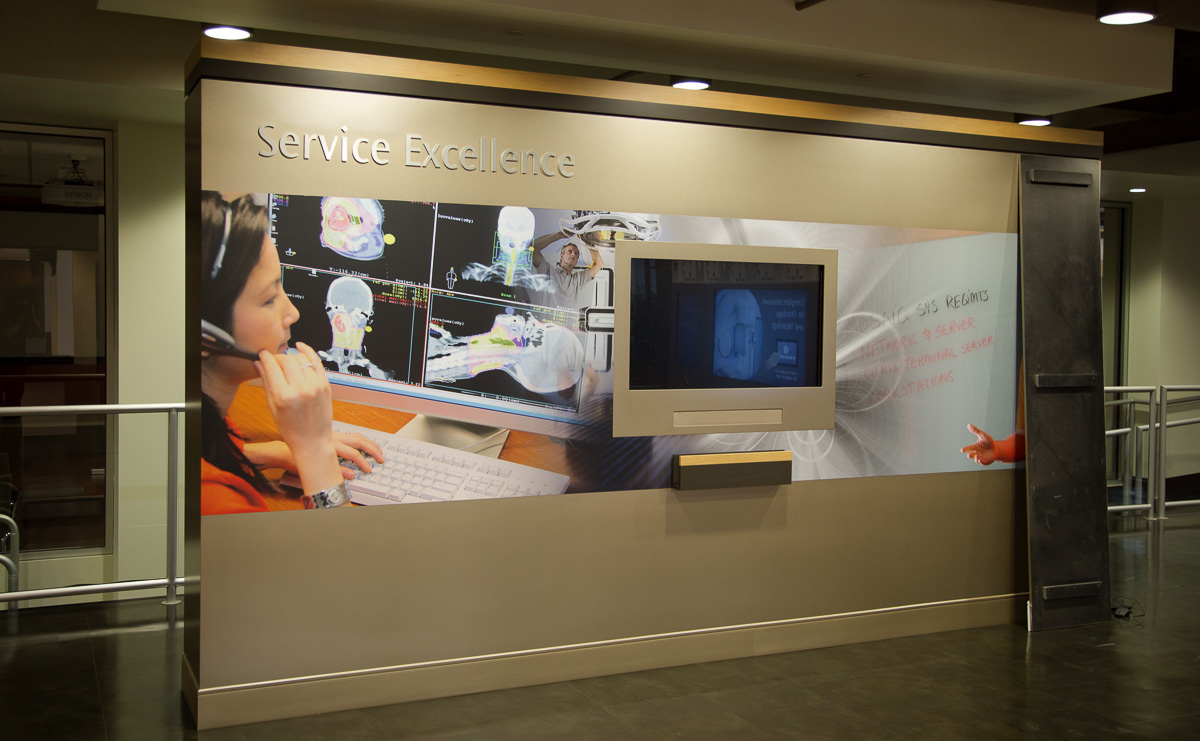

Each installation is a unique content portal, with various bits of content tailored to the theme and design. Think EPCOT Center... My agency in San Francisco was hired to create content for each of them. I was tasked with producing the creative, as well as creating and editing content for the three-screen installation, which is demonstrated below.
As a producer, the first question obviously is, "So, what content goes into each installation?” This question alone required about three months of planning and daily communication with the client. Once content had been developed for each station, it fell to me to assign team members with content tasks, oversee content development, and coordinate the team. (None of us had ever worked on a project like this, by the way.) Next, a colleague and I had to spec out all the necessary equipment—monitors, computers, screens, projectors—including pricing and availability. And then our team of eight had to write, shoot, edit, design, and deliver all of the content. About four months later, our creative director triumphantly flew to Atlanta to help with the installation. Here is the specific installation I content-directed: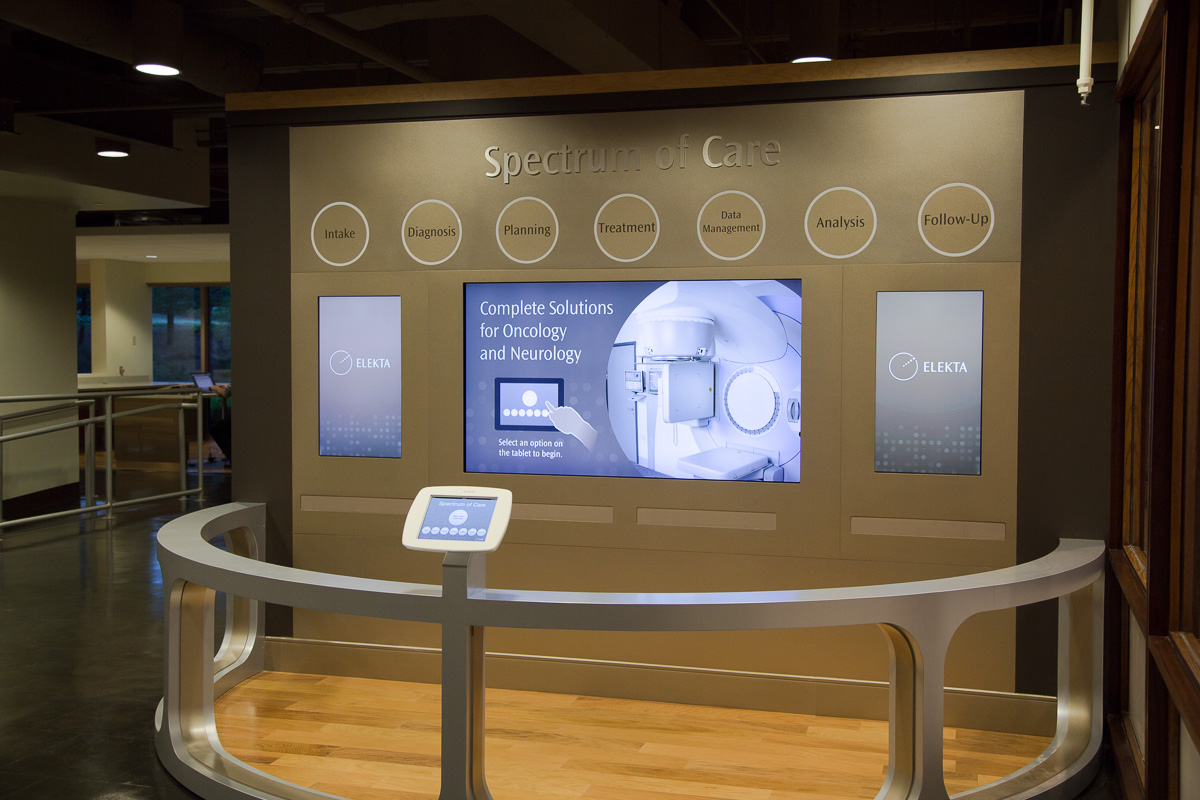
Notice that there are three display screens. The side screens are 67-inch flat-screens, playing stereo imagery, flipped vertically with indexed content controlled by a tablet. I don't recall the dimensions of the middle monitor, but it was *huge*. So, you can begin to see some, uh, editorial challenges…
- To begin with, the large screens dictate that the editing resolution be very high, and that the final output must be greater than 1080p. Better get a serious computer—not just for editing, by the way, but for playback in the installation, as well, as the output files will certainly be huge.
- Second, obviously, the side screens are vertical! How is one supposed to edit that, exactly—sideways?
- Third, each screen requires its own video, and these videos must be synced perfectly within the installation. And I thought dialog replacement was hard but, omg...
Too many other challenges to mention, daily, which was exactly what made this job so much fun. Needless to say, we shot everything in 4k on a RED Camera to ensure the best resolution throughout the process. I cut the videos in 4k and output to a 2K file, as did my fellow editors. To solve the vertical alignment issue, I used a huge monitor flipped sideways (for real), and pre-programmed After Effects comps to correctly align my outputs automatically. As always, a little upfront work paid off hugely. Like I mentioned, I also pre-edited a mockup sequence of all three screens so that I could constantly monitor picture-sync. It looks like this:
And that was just the Intro… Not like seeing a huge installation with loud surround sound, I know, but I hope you get the idea. Trust me, this kept me on my toes for quite a few weeks! But overall I had a great time working on it, learned a lot, and was pleased with the results. That's what it's all about!